
The Desktop Sidebar Finally Hits Your Phone: Inside Spotify’s Massive Social Upgrade
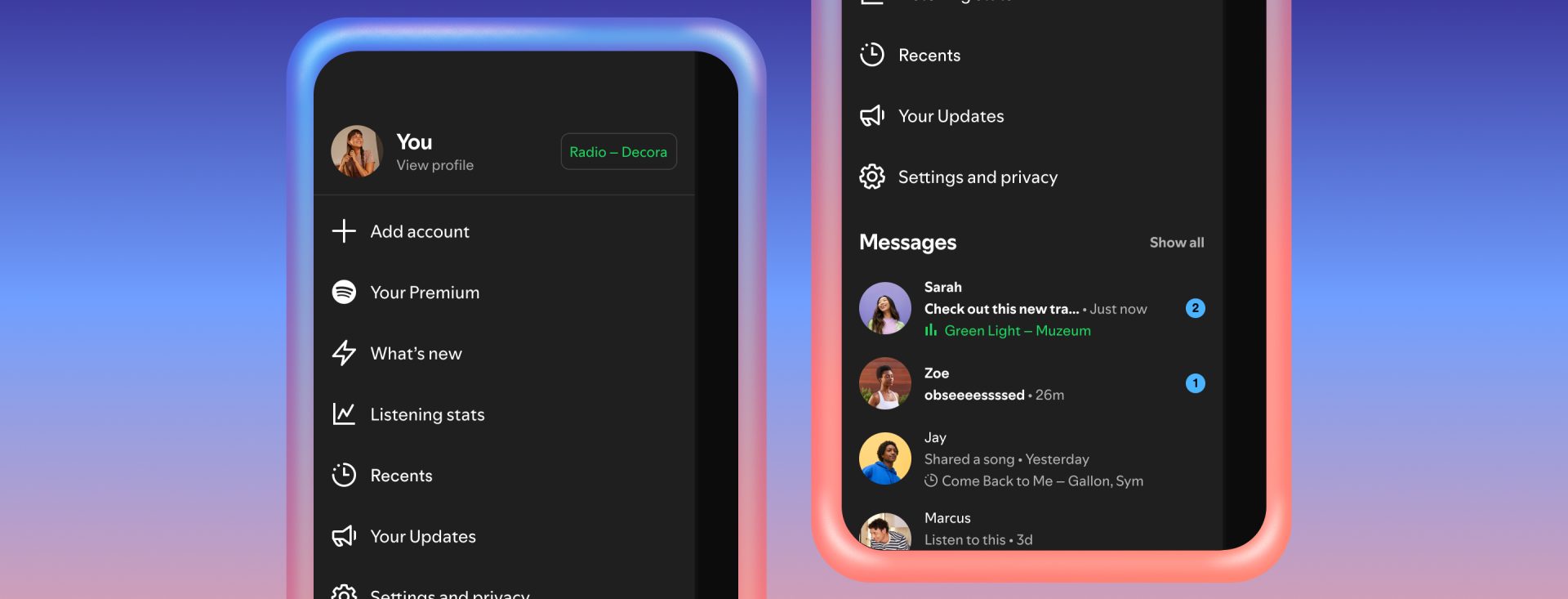
It only took a decade, but the Friend Activity sidebar isn't just for your laptop anymore. As of January 7, 2026, Spotify has officially brought the pulse of your social circle directly to your phone.
With the rollout of Listening Activity on mobile and the brand-new Request to Jam feature, the friction of "What are you listening to?" is officially gone. This update is all about making music social again, without the clunky link-sharing of the past.
1. Listening Activity: The Mobile Sidebar is Live
We’ve all been there: you’re on the bus and want to see what your friends are obsessed with, but you’d have to wait until you got to a computer. Not anymore.
The new Listening Activity tab on your mobile Home screen shows a live feed of what your friends are playing right now. It includes the track name, the artist, and even the playlist or album they’ve got on loop. It’s discovery in its purest form—seeing what the people you trust are actually vibing with in real-time.
2. 'Request to Jam': Jump In With One Tap
The coolest part of this update is how it handles "Jams." If you see a friend listening to a track you love (or one you’re curious about), you don't have to text them for a link.
A new Request to Jam button appears right next to their active status. Tap it, and they get a quick notification. Once they hit "Accept," Spotify syncs your audio perfectly with theirs. It turns a solo listening session into a synchronized party in about two seconds.
3. Jam Invites are Now Native in the Chat
Remember the mess of sending Spotify URLs in DMs? That's over. Jam invites have been reworked into native interactive cards inside your Spotify Messages.
- Live Updates: The card shows you exactly how many people are in the Jam before you even join.
- No App Switching: You can jump into the session directly from the chat bubble.
- Clean Logic: No more expiring links or messy "Open in App" prompts—it just works.
 Spotify Social (2026)
 Apple Music Social
The Takeaway
Spotify is finally leaning into what made it special in the first place: the community. By bringing Listening Activity to mobile and making Jamming as easy as checking a notification, they’ve made shared listening feel natural again.
Whether you’re catching a live set with a friend across the country or just stalking your best friend’s niche playlist, the app feels more alive today than it has in years.
Are your friends influencing your algorithm? With Jams becoming this easy, your "Top Artists" might start looking a little different. Use our dashboard to see how much of your 2026 history is actually your taste vs. what you’ve been jamming to with friends.
Insight Tool
Analyze Your Social Taste
Is your social circle hijacking your stats? Import your history to see the real impact of your 2026 Jam sessions.