
Suno Studio Update: Personas, Loops, & Stems Explained
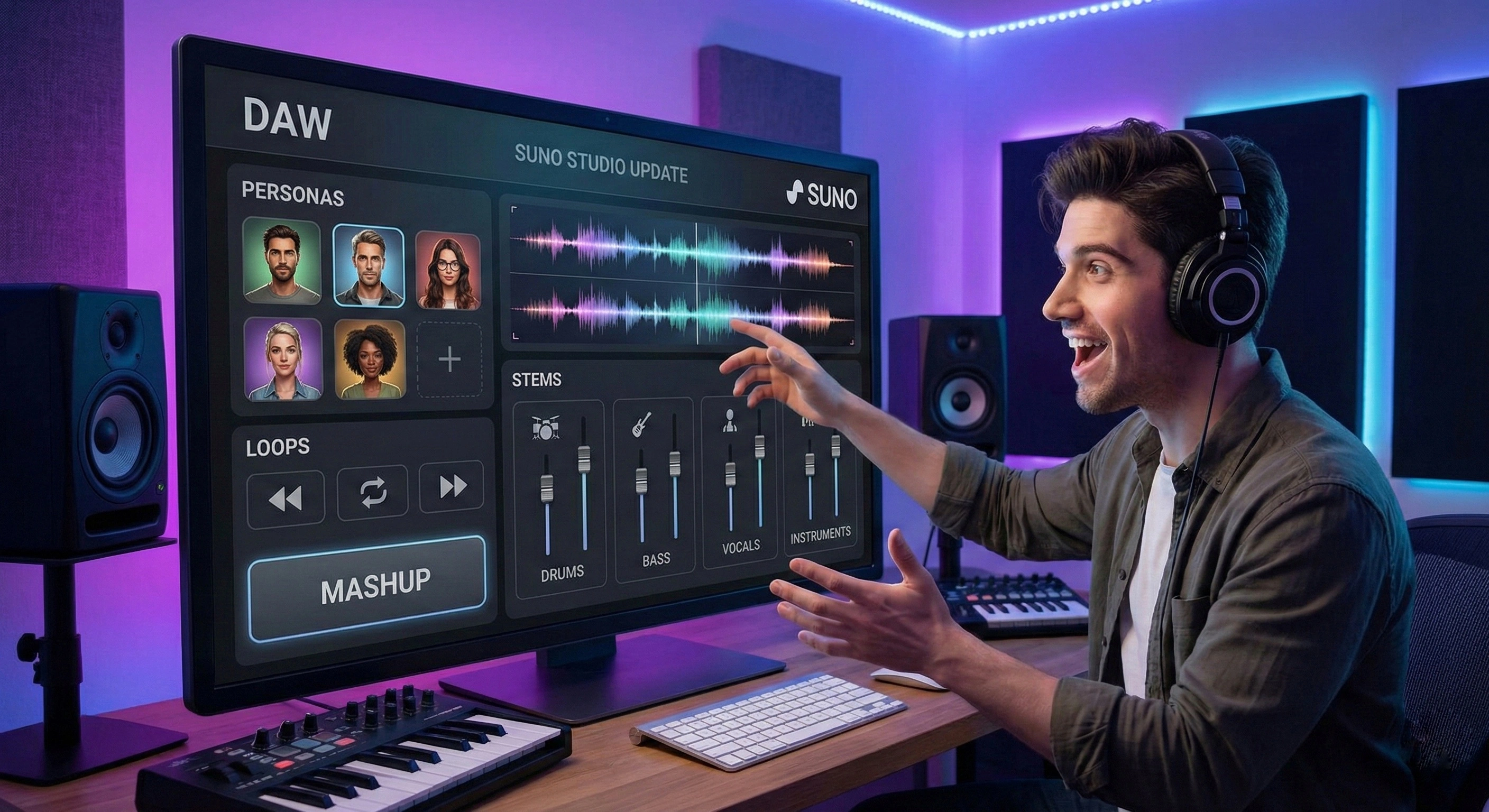
For the last year, the biggest complaint about Suno was consistency. You’d get a perfect vocalist on one track, but the moment you hit "Generate" again, they were gone forever.
That changed this week. With the February 2026 'Studio' Update, Suno has rolled out Personas, Sounds, and In-Browser EQ. This is the biggest shift in the platform's history, moving it from a "generator" to a legitimate production tool.
We broke down the four biggest changes and what they mean for your workflow.
1. Personas: Finally, Consistent Voices
This is the feature creators have been waiting for. You can now take a voice from any generated track and save it as a Persona.
- The Problem: Previously, every song had a random singer.
- The Fix: If you generate a track with a perfect vocalist, you can "lock" that voice. Name it (e.g., "Ron") and reuse that exact vocal model on future tracks, allowing you to create concept albums with a consistent frontman.
2. The 'Sounds' Tab (Loops Mode)
Suno is now competing with Splice. The new Sounds mode is designed specifically for short-form audio.
Instead of generating a full song, you can prompt for "90bpm Lo-Fi Drum Loop" or "Cinematic Impact Swell." For producers who use Suno as a sample generator, this eliminates the need to chop up full 3-minute tracks just to find a usable 4-bar loop.
 Old Suno WorkflowSuno Studio 2026
3. Mashups & Advanced Sampling
The new Mashup tool allows you to select two existing generated tracks and merge them. You can blend the lyrics of Song A with the style of Song B, or simply collide them into a new composition.
Combined with the updated Sampler (which now lets you pinpoint the exact start/end time of the sample source), "remixing yourself" is now a native feature.
4. In-Browser EQ & Stem Swapping
This is the most "DAW-like" feature of the batch. In the new Studio View, you have access to individual stems (Drums, Bass, Vocals, Instruments).
- EQ Control: You can tweak the frequencies of just the drums without affecting the vocals.
- Stem Swapping: Don't like the piano? Select the instrument stem and prompt "Change this to a String Section." It re-generates only that layer while keeping the rest of the song intact.
The Verdict
Suno is no longer just a toy. With Personas and Stem EQ, it has evolved into a legitimate sketching tool for producers. While the audio fidelity still isn't quite at the level of a polished studio master, the workflow gap is closing fast.
Insight Tool
Track Your AI Output
Are your Suno generations making it into your actual daily rotation? Analyze your listening habits to see if your own tracks are beating the charts.