
Don't Wait for December: Get an Early Peek at Your Spotify Wrapped 2026
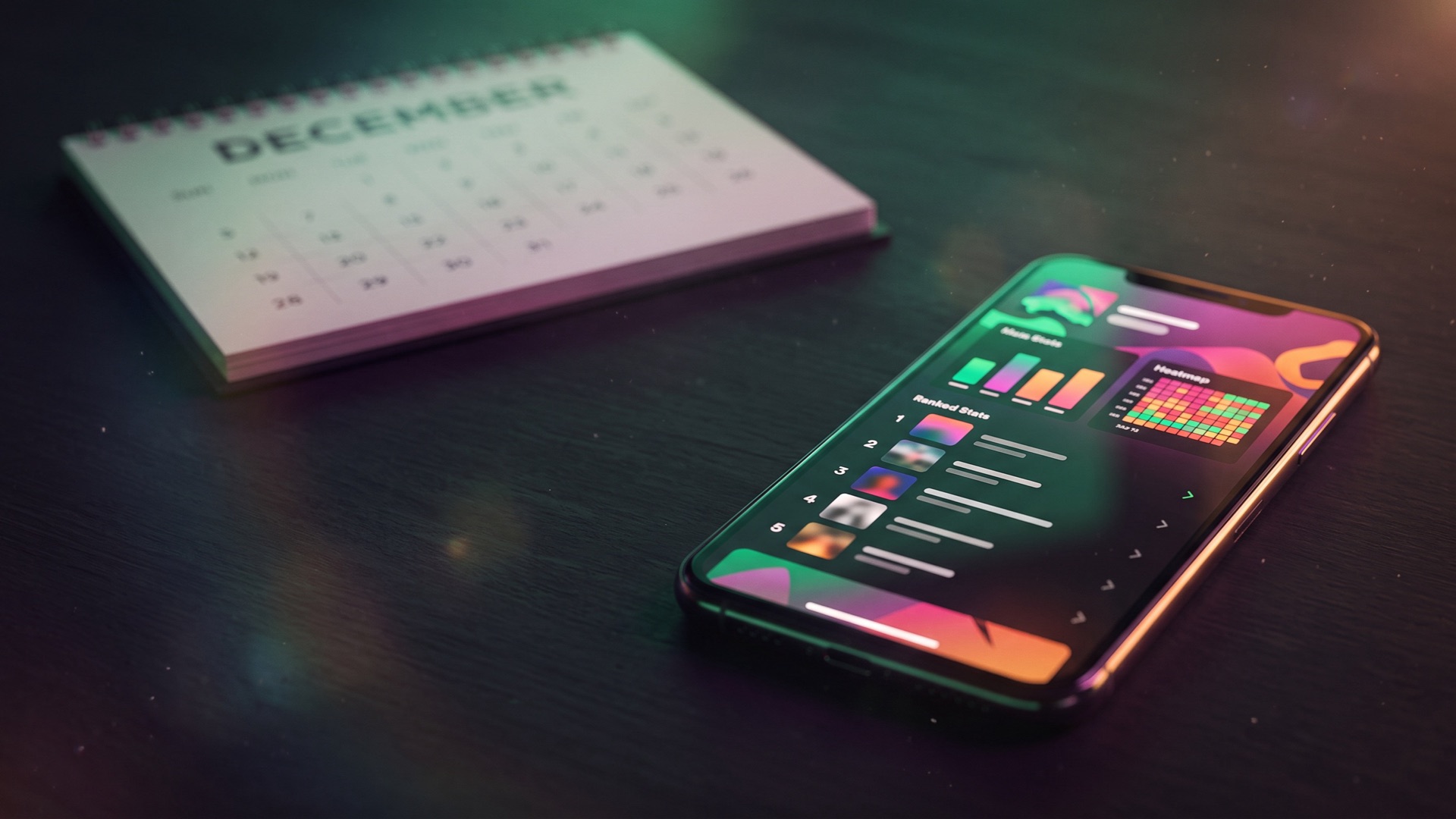
Who's your top artist this year? Which song have you played more than any other? You don't have to wait until December to find out.
With mystats.music, your Spotify data becomes a full dashboard of your year so far: your top artists, songs and albums, how many hours you've listened, and a lot more that Wrapped never shows you. It takes a few minutes, it's free, and you don't need to log in with Spotify.
Already have your files? See your Spotify stats now. If not, here's how to get them.
How to see your Spotify stats early
1. Request your extended streaming history
Follow our step-by-step Spotify guide to request your Extended streaming history from Spotify. Make sure you pick the extended one: it covers every year you've had your account, not just the last one.
Spotify says it can take up to 30 days, but most people get the email within a few days, often the very next day.
2. Upload the ZIP
When the email arrives, download the ZIP and drop it on the Spotify import page. No need to open or unzip it.
Everything is processed right in your browser. Your listening history never leaves your device, and there's no account to create.
3. Pick this year
Use the timeframe picker to jump to this year and see your own early Wrapped. Or go back to any past year, or any stretch of time you like: a summer, a semester, the month an album dropped.
What you'll see
Wrapped gives you a handful of slides. mystats gives you the whole story:
- Your top artists, songs and albums for this year, any past year or your entire history, with full rankings.
- Every play you've ever made: your full listening history, down to the minute.
- Song and artist pages: the first and last time you played a song, and how often you came back to it over the years.
- Your artist storyline: when your favorites arrived, one-song crushes, comebacks and the artists you left behind.
- When you listen: your peak hours, busiest days, longest listening session and longest streak.
- Where you listened: a map of every country you've played music in.
- How you listen: skip rate, shuffle, devices, and how much you listen offline.
When you find something worth showing off, save it as an image for your story. Or challenge a friend in a Music Duel and see whose stats come out on top.
Will it match my Wrapped?
It should be very close. mystats reads the same listening data Spotify keeps for your account. It counts songs you played for at least 30 seconds and leaves out podcasts, as well as sleep and focus sounds unless you switch them on.
The one real difference is timing. Wrapped stops counting in the fall, while your export includes everything right up to the day you requested it. You can also look at any year, not just this one.
Want a sneak peek first?
While you wait for Spotify's email, try the stats preview to see what your dashboard will look like with example data.
Tip: keep your ZIP somewhere safe. You can upload it again any time, and request a fresh one whenever you want to include your latest listening.
Insight Tool
Your Wrapped 2026, without the wait
Got your Spotify ZIP? See your top artists, songs and albums for the year so far, and everything Wrapped leaves out.